
REVIT FAMILIES / BIM OBJECTS
BIM content.
Built for your workflow.
Create reusable Revit families and BIM objects that fit your project standards, product information and day-to-day modelling needs.
REVIT FAMILIES · PRODUCT DATA · LIBRARY STANDARDS
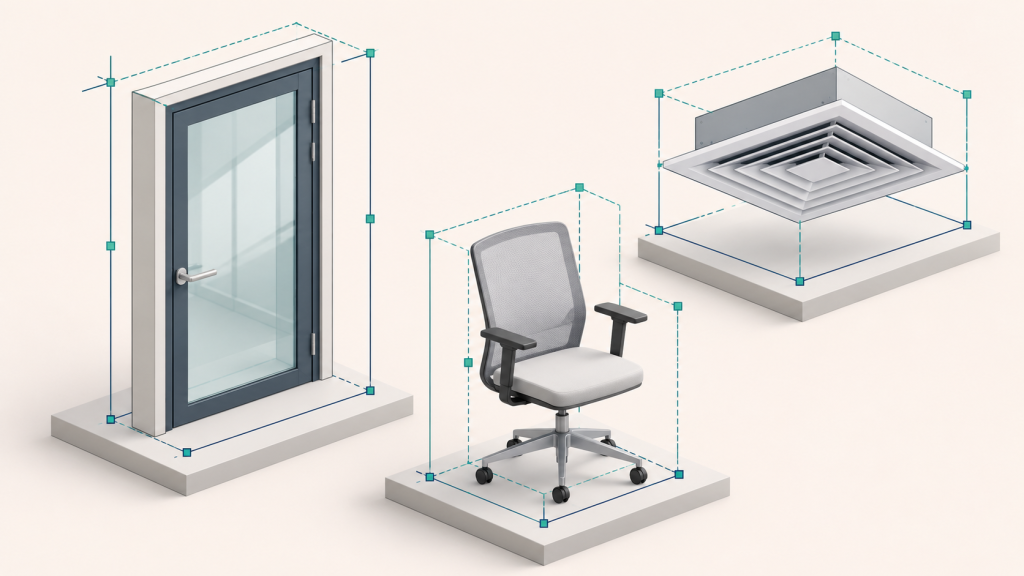
Conceptual BIM content illustration
HOW WE SUPPORT YOUR TEAM
Useful content, built to your standards.
Define the categories, geometry, information and intended use before production begins.
01 / REVIT FAMILIES
Parametric family creation
Develop families with agreed geometry, types, connectors and visibility settings appropriate to their intended use.
02 / PRODUCT INFORMATION
Useful model data
Structure dimensions, materials and product information around the requirements supplied by your team or manufacturer.
03 / LIBRARY STANDARDS
Consistent BIM content
Apply agreed naming, shared parameters and content conventions across a defined family or object library.
SCOPE & DELIVERABLES
A clear brief. Reusable BIM content.
AGREED OUTPUTS
What you receive
Depending on your brief, the package may include:
- Revit families or BIM objects in agreed software versions
- Defined types, parameters and supplied product information
- Sample project checks for placement and scheduled data
- Content register and agreed usage notes
YOUR CONTENT BRIEF
What helps us get started
- Product drawings, dimensions and specifications
- Required family categories, types and parameters
- Reference content, naming rules and software versions
- Intended uses, level of detail and performance expectations
Share the information you have. We can review the inputs and agree the content scope together.
Content is developed for the agreed use cases. Product performance and technical data must be supplied or approved by the responsible manufacturer or project team.
HOW WE WORK
From product information to usable BIM content.
Review the brief
Confirm the intended use, input information, family categories, software version and standards.
Create & review
Develop agreed geometry, types and parameters, with review points for questions and feedback.
Check & deliver
Check the agreed functions and information in a sample project, then prepare the content package.
BEFORE WE START
A few useful answers.
The right content depends on how your teams or customers will use it in their models.
Can you work with our existing family standards?
Yes. Share sample families, parameter files and library rules so we can establish the content brief.
How much detail should an object contain?
The intended use determines the geometry and data needed. We agree a practical balance so content remains useful in project models.
Can product data be included?
Yes. We can include the agreed product information supplied or approved by the manufacturer or project team.
Can we start with a small set of families?
Yes. A defined set of families can be scoped as an initial package, with review points before expanding the library.
START A CONVERSATION
Plan your BIM content library.
Share the available inputs, required families or objects and target timeline. We’ll help you define the next step.